Electronic invoicing

Receive, pay and reconcile
your electronic invoices

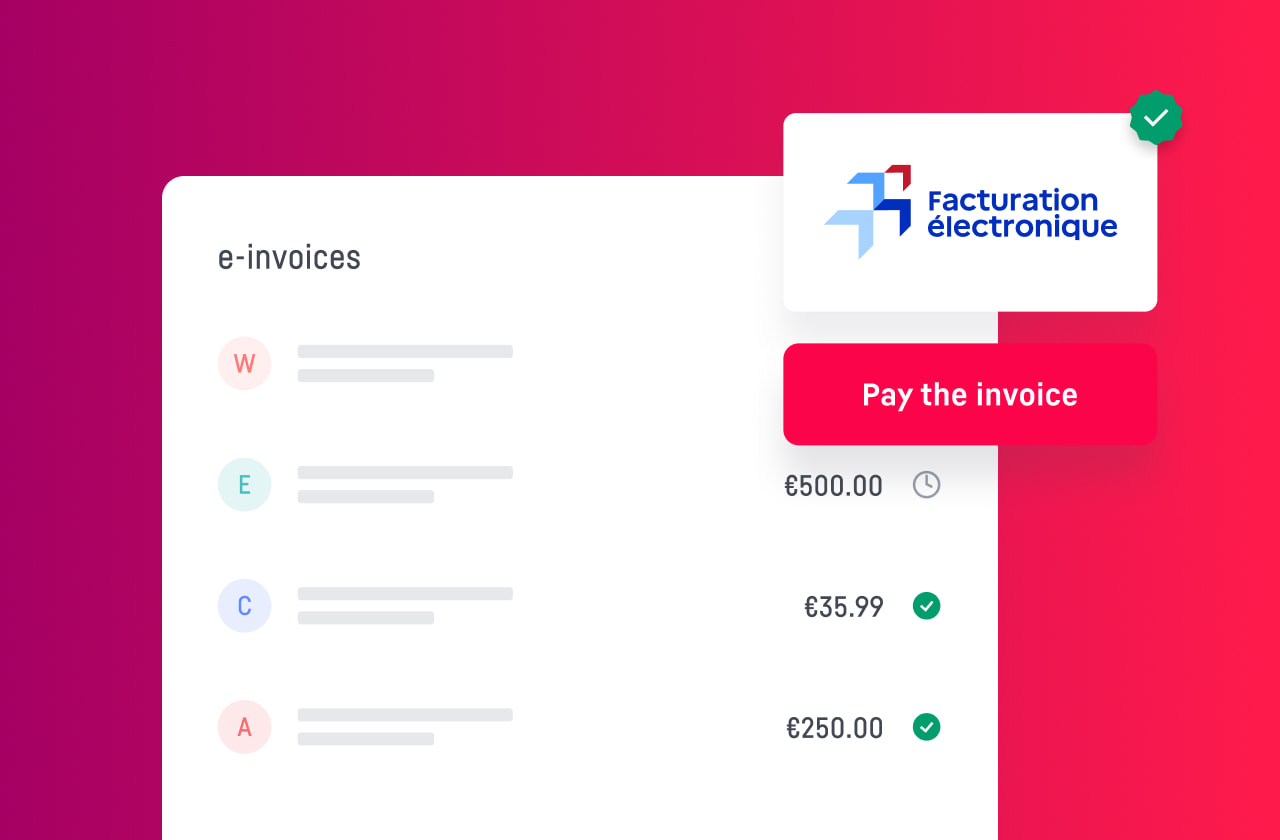
Activate the reception of electronic invoices on manager.one free of charge. Centralise all your invoices in your banking area and simplify their management, from reception through to payment and automatic reconciliation.

factures électroniques

Free registration

Create your electronic invoicing address

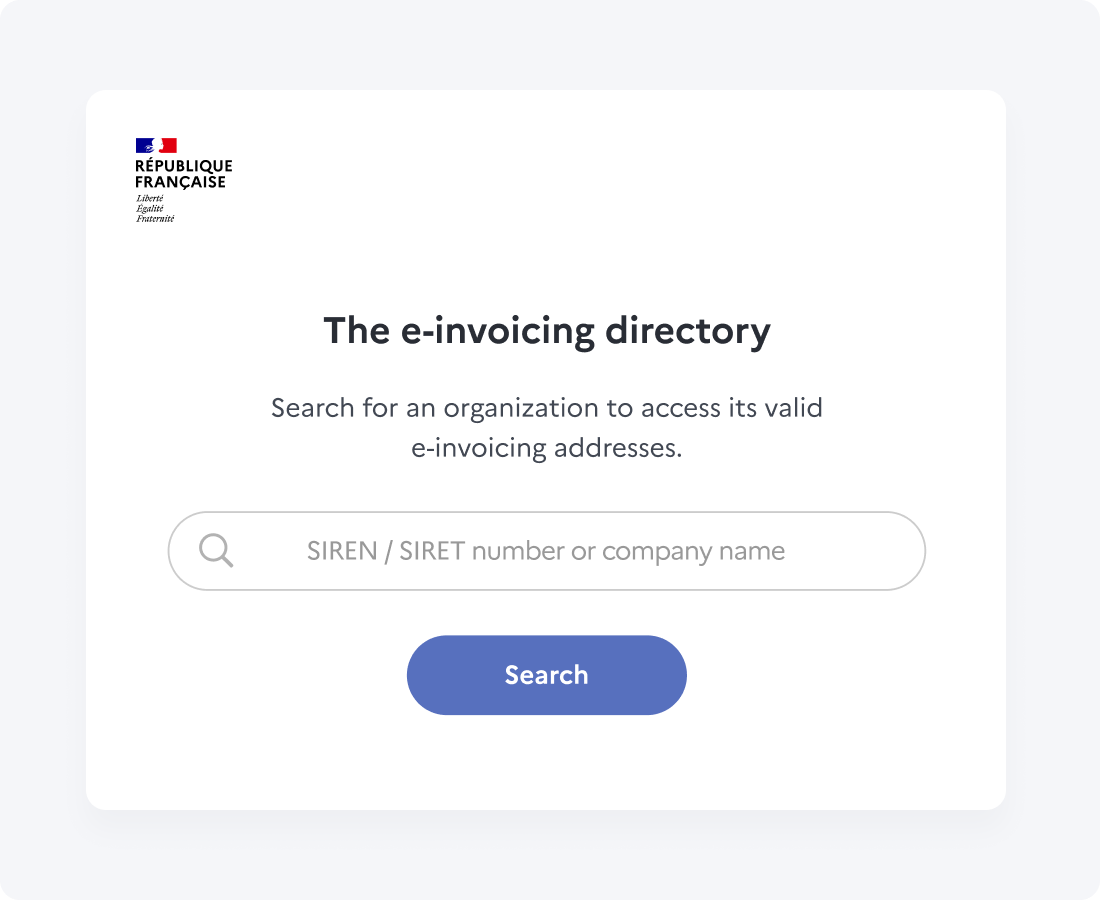
In just a few clicks, activate the electronic invoice reception service free of charge. Through its partner Accredited Platform, manager.one creates your electronic invoicing address and registers it in the public directory so that your issuers can send you their invoices directly.

Centralised management

All your electronic invoices gathered in one place

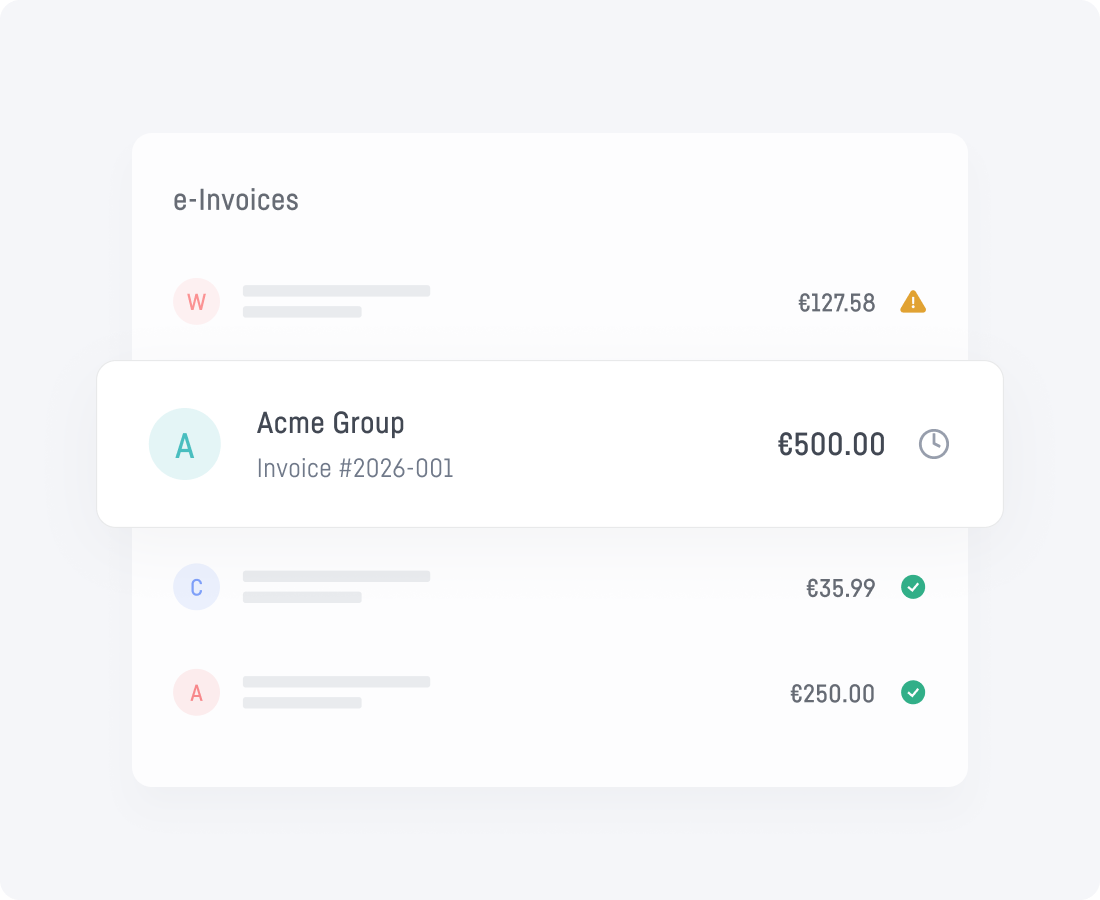
Find all your electronic invoices directly in your manager.one client area. Check their status, due date and amount from a single interface, without searching across several tools or platforms.

Simplified payment

Go from invoice to payment in just a few clicks

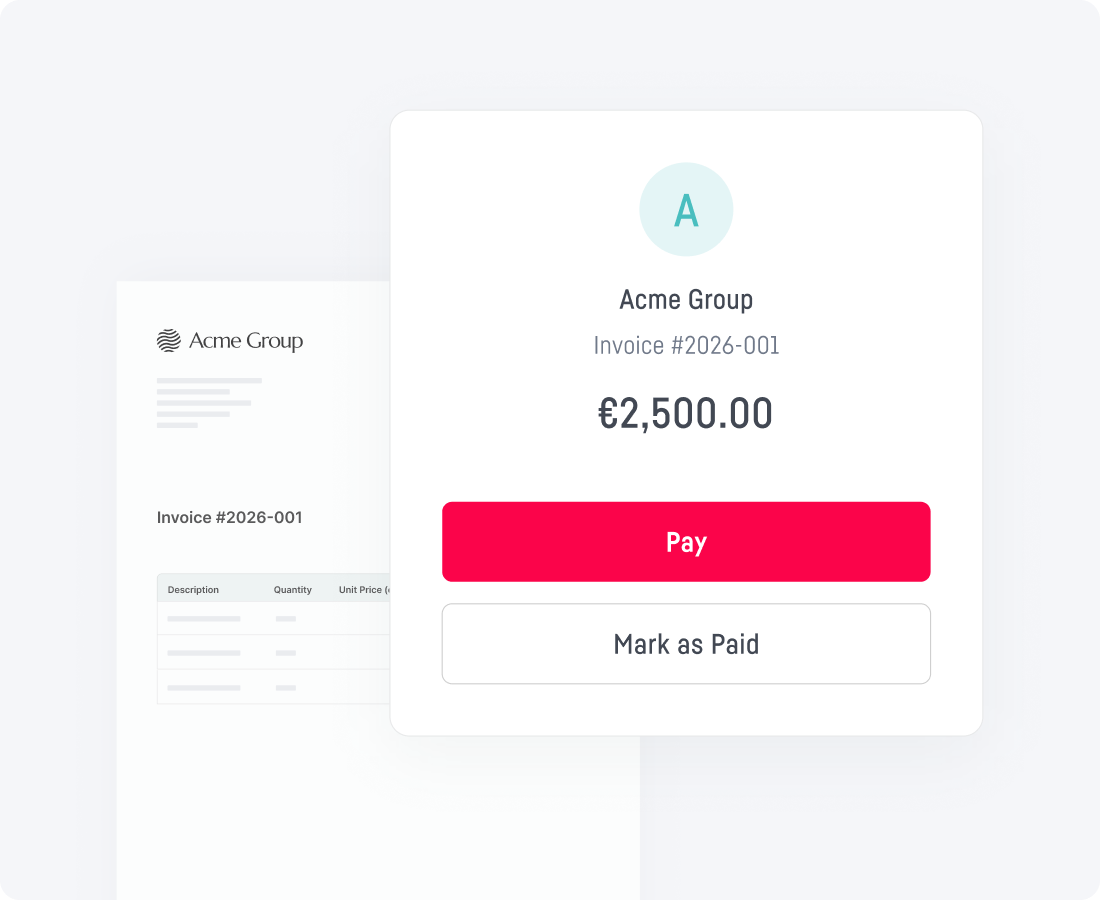
The information contained in the invoice is automatically reused to prepare the payment. You save time, reduce the risk of error and keep control of every settlement before it is approved.

Automated documentation

Automate the reconciliation of your invoices

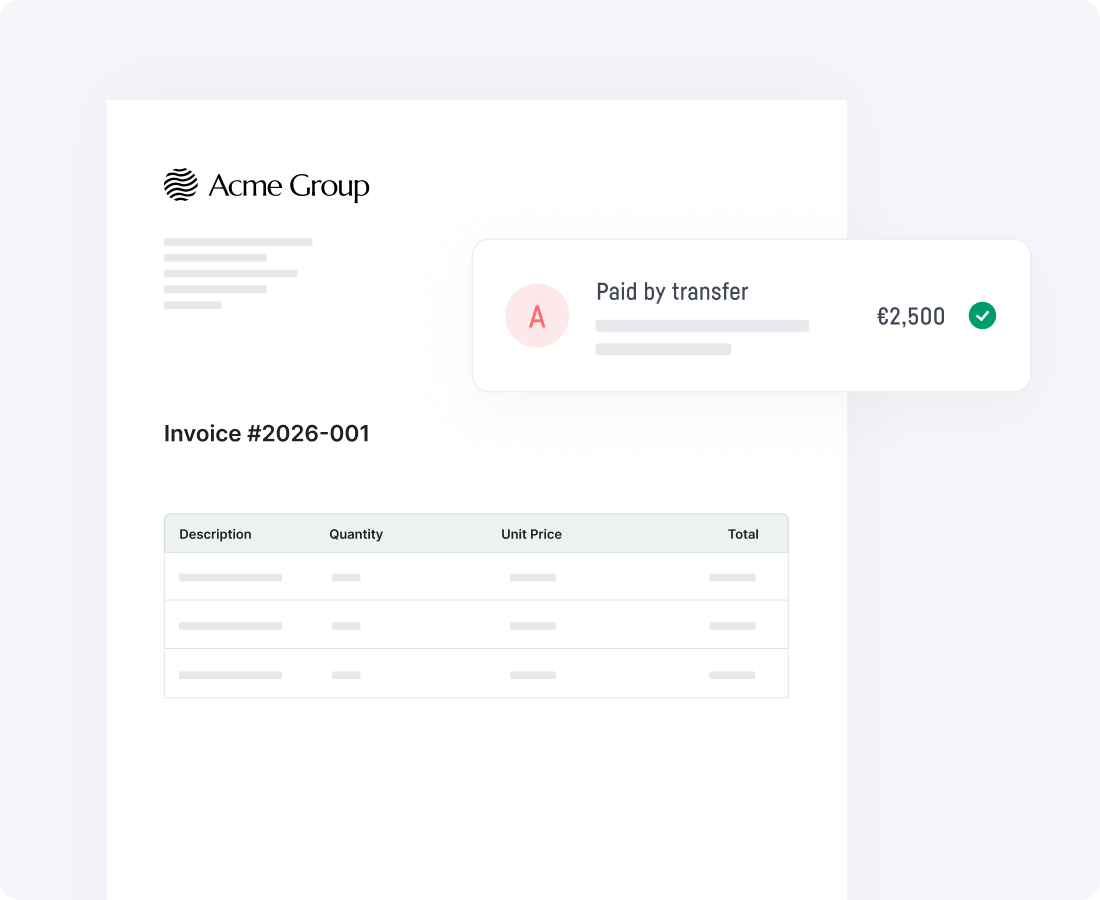
Each electronic invoice is automatically matched to the corresponding bank transaction, whether it is a card payment, a transfer or a direct debit. You avoid manual reconciliation and benefit from reliable tracking, full traceability and simplified accounting.

The advantages of electronic invoicing

Free activation
Create your electronic invoicing address free of charge and start receiving your invoices directly in manager.one.
Centralised reception
Find all your electronic invoices in a single interface, with their status, due date and history.
Simplified payment
Payment details are automatically retrieved from the invoice to speed up your settlements and limit errors.
Automatic reconciliation
Invoices are automatically matched to the corresponding bank transactions for simplified accounting follow-up.

Frequently asked questions

How do I activate the reception of electronic invoices?

Activating the service is free and is done directly from the “Electronic invoicing” section of your manager.one area. Once your request has been approved, your electronic invoicing address is created and registered in the public invoicing directory. You can then share it with your suppliers and any other issuer of electronic invoices.

Are all my electronic invoices received in manager.one?

Yes. As soon as the electronic invoicing address activated on manager.one is used by your suppliers or other issuers, their invoices are automatically received in your client area. They are centralised in a single interface, ready to be viewed, paid and tracked.

Can I pay my invoices directly from manager.one?

Yes. The payment details contained in the electronic invoice are automatically reused to prepare the settlement. You no longer need to re-enter the bank details or the invoice amount: you simply approve the payment.

How does the matching between an invoice and its payment work?

When an invoice is paid from manager.one, it is automatically matched to the corresponding bank transaction. If the payment has already been made, for example by card or direct debit, reconciliation is carried out automatically as soon as the electronic invoice is received. You can easily find the receipt linked to each payment, which makes expense tracking and accounting easier.

Who can access my company’s electronic invoices?

Access to electronic invoices depends on the rights assigned to each user in manager.one. Administrators can allow employees to view, manage or pay invoices according to their role, while keeping precise control over access.